Chain AI Tools into a Pipeline — No Code Required
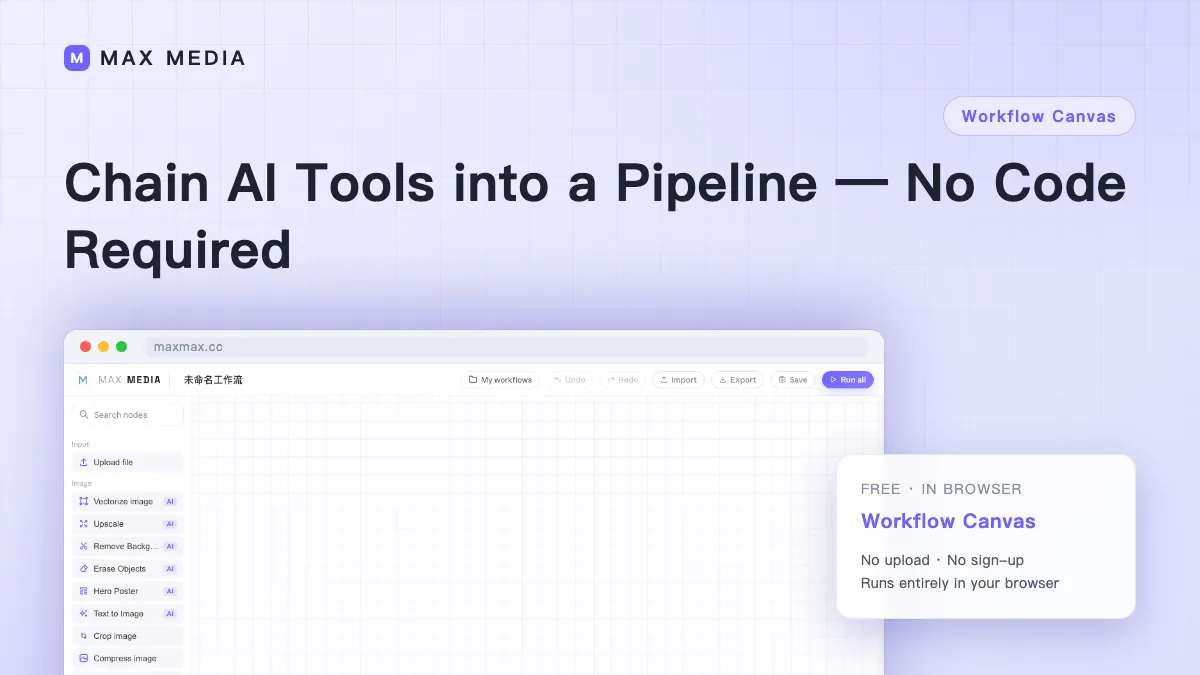
Every week it's the same job: compress the images, put them on white backgrounds, crop to a uniform size, export. One minute each — times fifty images, times fifty-two weeks. That's the invisible tax of repetitive work.
Workflow canvas exists to kill exactly that: drag tools onto a canvas like building blocks, wire them into a processing order, then only ever change the input file.
Three Steps to Build a Pipeline
- Drag in nodes: pull the tools you need from the node library — say, Upload File → Image Compress → Image Watermark.
- Wire the order: drag a connection from one node's output port to the next node's input. Data flows along those lines.
- Run: hit "Run All" and data flows from start to finish — the last node hands you the finished files.
Each node shows its own status: waiting, running, done, failed. You always know where things are.
The Value Is in Reusing It
A pipeline isn't about running once — it's about every run after the first being just a new input:
- New batch of images next week? Drop the files into the upload node, hit run, collect results.
- Need to add an upscaling step? Drag one node in, wire it, leave everything else alone.
- Want to tweak a setting? Open that node, change it, rerun — downstream steps automatically invalidate and recompute.
Compare that with manually operating N tools and downloading/uploading intermediate files each pass — you save time, plus the mental overhead of "did I skip a step?"
When It's Worth Building
- If you've done the same three-step job twice, it deserves a pipeline.
- One-off needs are faster on the individual tool pages — don't build a pipeline for those.
Take the process you repeat every week and drag it out once on the workflow canvas — build it one time, then it's just "new files, hit run."