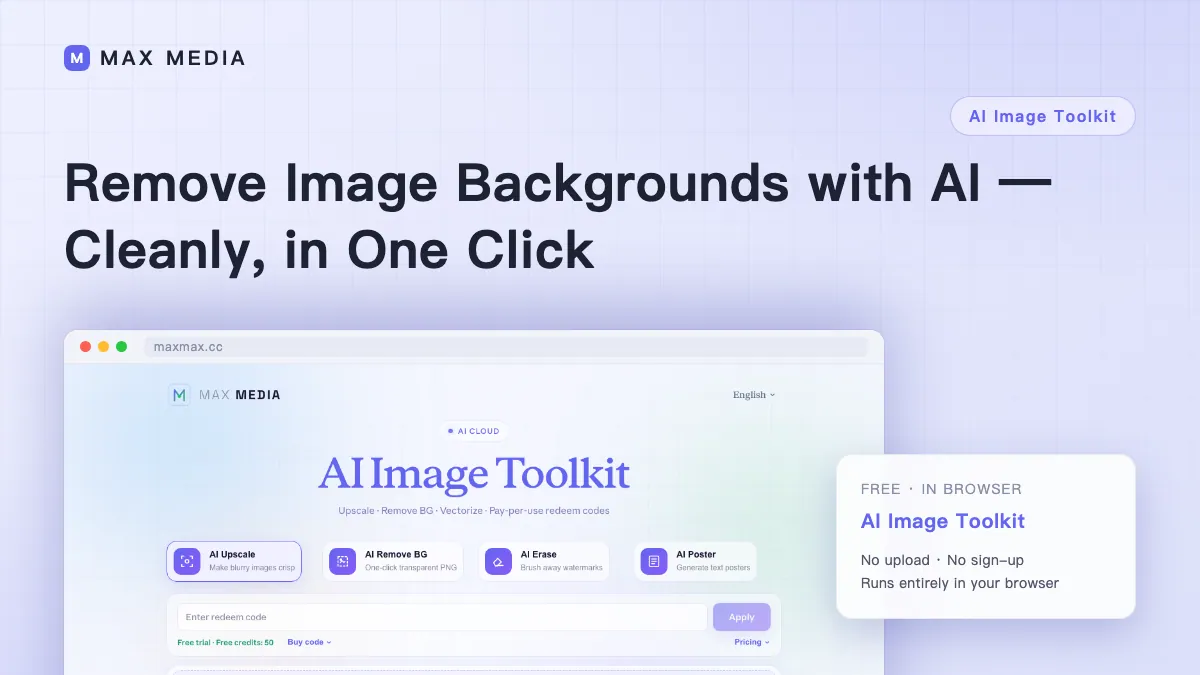
AI Background Remover
Use the local model or cloud Recraft for AI cutouts. Choose local processing to keep images on your device, or sign in and use account credits for cloud processing.
Processing engine
Images are processed in your browser and are not uploaded. The model downloads on first use.
Tip: you can also paste an image from the clipboard (Ctrl/⌘ + V)
Free online AI background remover
Choose between two AI background-removal engines: local mode runs RMBG-1.4 in your browser without uploading the image; cloud mode sends it to Recraft and uses account credits.
Import images the way you like: click to choose, drag and drop, paste from the clipboard, or paste an image URL. After the cutout you can switch between transparent, pure white or any custom background color, and optionally auto-crop the transparent edges — all instantly, without re-running the AI.
Batch mode processes up to 5 images and can package results into a ZIP. Local mode downloads the model on first use and caches it in the browser; cloud mode sends each image to Recraft and charges credits per image.
Frequently Asked Questions
How does AI background removal work here?
Choose the RMBG-1.4 model running in your browser, or send the image to cloud Recraft. Local mode uses WebGPU when available with a WASM fallback; both modes can export transparent PNGs.
Are my images uploaded to a server?
It depends on the engine. Local mode downloads and runs the model in your browser without uploading your image. Cloud Recraft mode sends the image to Recraft for processing.
Why does the first run take longer?
Local mode downloads the AI model on first use (about 44 MB, more on some devices) and caches it in the browser. Cloud mode does not need a model download.
Which images and formats are supported?
PNG, JPG and WebP up to 10 MB each. You can drop files in, paste from the clipboard, or load from an image URL. Single image or batch of up to 5, with a one-click ZIP download when the batch finishes.
Can I get a white or custom background instead of transparency?
Yes. Pick transparent, pure white, or any custom color with the color picker, and optionally auto-crop the transparent edges. Changing these options re-renders instantly without running the AI again.
Can I use the results commercially?
The RMBG-1.4 model used in local mode is licensed by its authors for non-commercial use. Check the applicable license before commercial use, or choose cloud Recraft and follow its terms.