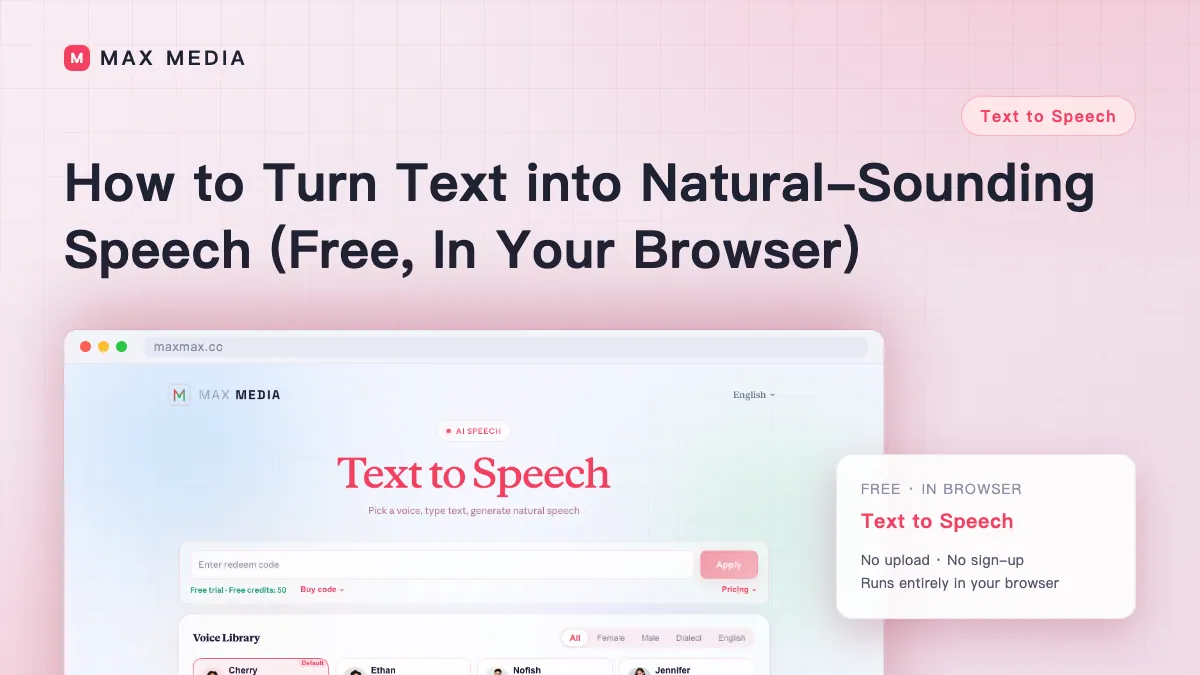
Text to Speech
Choose a voice, enter your text, and generate natural-sounding speech.
Voice Library
Text to Speech
Frequently Asked Questions
How many voices and languages are available?
Choose from 49 standard, dialect, and multilingual voices in Chinese and English. Match the delivery to your content—for example, warm and conversational for an explainer or clear and neutral for a product demo. Preview a few voices with your own text to find the right fit.
Can I preview for free?
Yes — previewing the voices is free, so you can compare them before committing. The final synthesis uses account credits after sign-in, so you only pay when you generate the finished audio.
Can I use the generated speech commercially?
Generated audio can be used for both personal and commercial projects, subject to the terms of service. That covers common uses like videos, ads, e-learning and voiceovers.
What audio format can I download?
The finished speech downloads as a WAV file, which is high quality but large. If you need a smaller file for a chat app or slide deck, run it through the free audio compression tool afterward to get an MP3 with no audible loss.
Can I adjust the speaking speed?
Yes. You can choose slower, normal or faster to suit the content — slower for tutorials or anything with numbers and names, faster for casual, familiar material. Getting the pace right is what makes synthesized speech sound natural rather than rushed.
Does it run locally or in the cloud?
The synthesis itself runs in the cloud and is pay-per-use, which is what powers the higher-quality voices. Previewing voices is free. Sign in and use account credits when you generate the final audio.
How do I make it pause or read numbers clearly?
Punctuation is your main control: commas and periods become natural pauses, so breaking up long sentences and adding a line break between paragraphs makes numbers, names and lists come through clearly. A quick test is to listen once with your eyes closed and add a pause wherever you lose the thread.