Can a Blurry Photo Be Saved? AI Upscaling, Explained
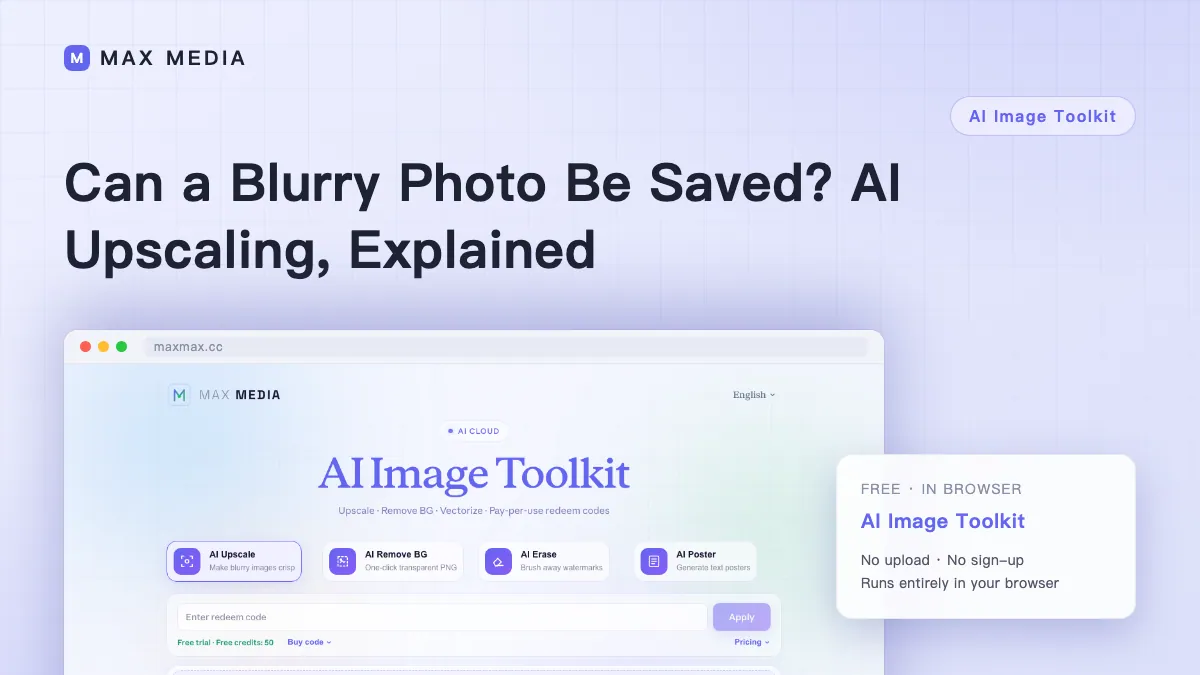
A scanned old photo that's only 800 pixels wide, a phone screenshot cropped down to postage-stamp size, client assets too small for the layout — "make it bigger without making it mush" is a real need. But upscaling was never magic: AI super-resolution invents plausible detail based on what's in the frame. It doesn't recover detail that was never captured.
Which Images Are Worth Upscaling
- Good composition and exposure, just small. The sweet spot — synthesized texture will be believable.
- Slightly soft, lightly compressed. Noticeable improvement, but don't expect original quality.
- Severely blurred or out-of-focus faces. AI will "imagine" a sharp face that may not resemble the person. Be careful with product photos; nostalgic family shots are fair game.
Check Before and After
Before: crop away dead space. At the same magnification, more pixels on the subject means better results.
After, inspect three things: faces (the easiest place to spot artifacts), text (AI-invented letterforms can warp — retype anything important), and repeating textures (brick walls and fabric sometimes show odd patterns).
Using the Output
2x is usually enough for layouts and social media; try one image at 4x before committing to a batch. Output downloads as PNG — compress it before uploading to the web.
Have an old blurry photo lying around? Drop it into AI Image Toolkit's upscaler and find out in two minutes.