PDF Tools
Merge, split, or compress PDFs, convert pages to images, and create PDFs from images—all in your browser, for free.
Frequently Asked Questions
What operations does the PDF toolkit support?
It covers everyday PDF jobs: reducing file size, merging several PDFs into one, splitting out a page range, converting PDF pages to images, and combining images into a single PDF.
Are my files uploaded to a server?
No — everything runs locally in your browser and nothing is uploaded. PDFs often hold signatures, account numbers and personal details, so keeping them on your own device rather than a random web service genuinely matters.
Is it free, and is there a size limit?
Completely free with no sign-up. Since processing happens on your device, there's no file-count limit, though very large PDFs may be slower depending on your computer's speed.
Can I reorder pages when merging?
Yes. Drop in all the files and drag the thumbnails to set the order before merging — order is the thing people most often get wrong, so it's worth a quick check first. It's ideal for stitching scanned pages or combining invoices into one document.
How do I extract only certain pages?
Use split and enter a page range like 2-5, or a single page number, to get a new PDF containing just those pages. It's the fast way to send someone the one section they asked for instead of a 60-page file.
Can I convert between PDF and images?
Yes, in both directions: turn each PDF page into an image to drop into a slide or chat, or combine several photos and scans into a single PDF in the order you arrange them. Everything stays local, so nothing is uploaded either way.
Are PDFs with signatures or sensitive data safe here?
Yes — every step runs in your browser, so contracts, ID scans and bank statements never leave your device. That's the whole point of doing it locally: there's nothing to leak and no file left sitting on someone else's server.
Related Guides
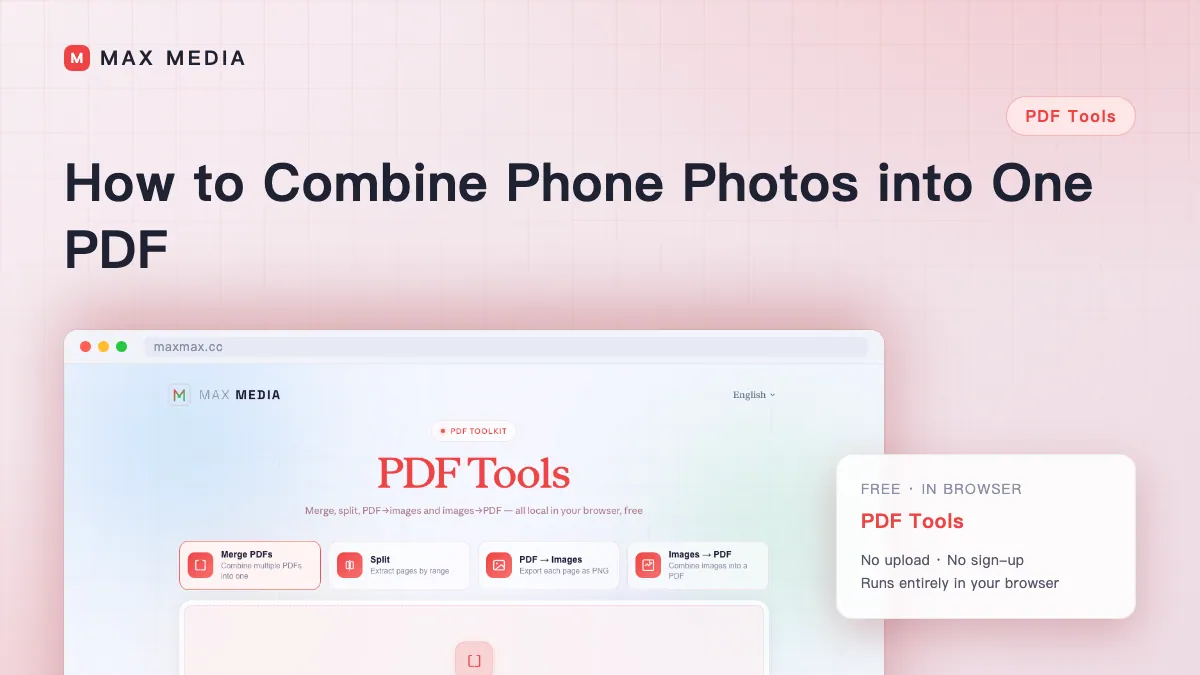
How to Combine Phone Photos into One PDF
Turn receipts, notes, forms, or document photos into one correctly ordered PDF without uploading the images.
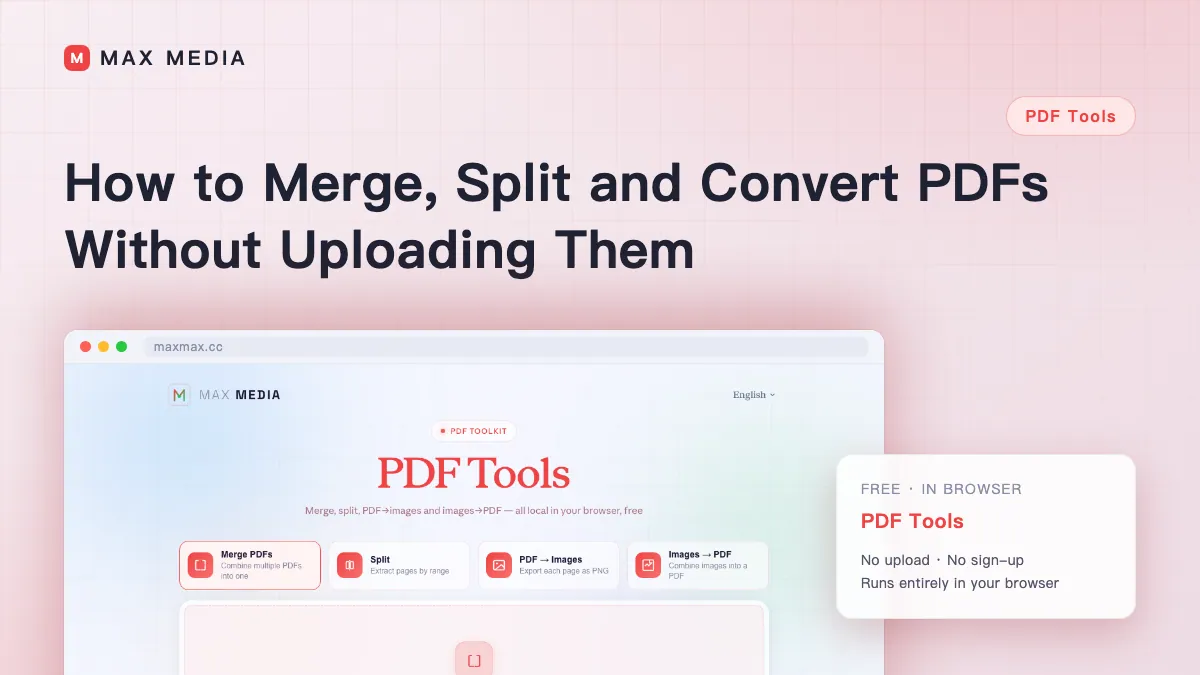
How to Merge, Split and Convert PDFs Without Uploading Them
Combine PDFs, pull out a page range, and convert between PDF and images — all locally in your browser, no upload.